IPTV Without a Box 2026: Will Your Own TV Do It?
IPTV without a box works on most televisions under five years old. How to check yours — and why the update window decides how long it lasts.
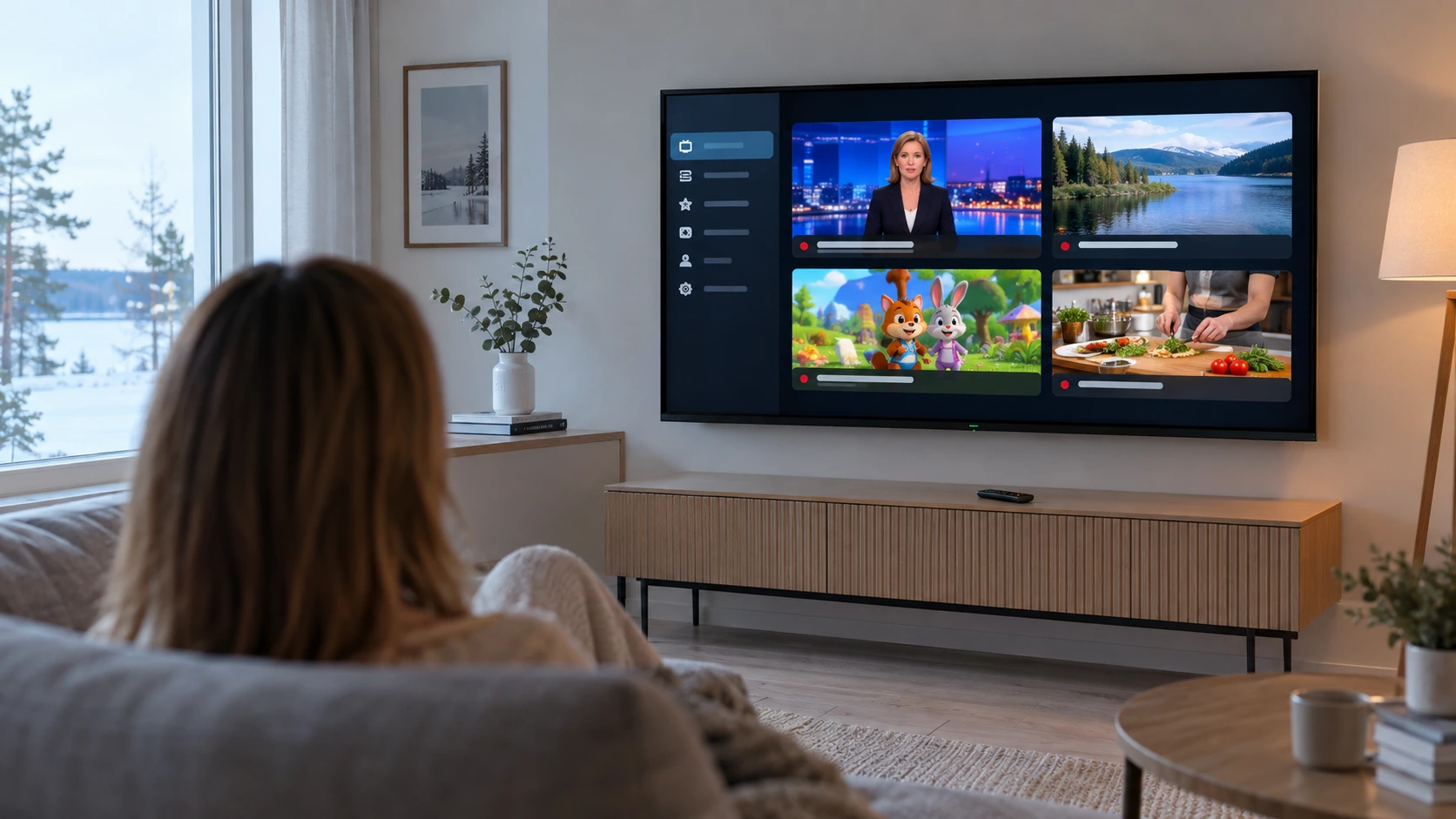
IPTV without a box is the question worth asking before buying anything. The answer is usually yes: a television under about five years old has its own app platform, and a compatible player installs on it directly with no extra hardware at all.
But the question is not only whether it works today. It is whether it still works in three years — and August 2026 added something new on exactly that point. This article covers what watching without a box requires, how to check your own television, what the set gives you for free, and when a separate device is still the right answer. Information checked 28 Sep 2026.
What "IPTV without a box" actually requires
Watching without a box comes down to three things, and no more.
The television's own app platform. Samsung's Tizen, LG's webOS, or Android TV / Google TV. All three have an app store you can install a player from directly.
A compatible player in that platform's store. This is the only step that can fail. The selection varies by platform and model year more than it varies by manufacturer.
A stable enough connection. We recommend at least 15 Mbit/s for HD and 25 Mbit/s for 4K. Finnish fibre, cable and 5G home connections clear both comfortably.
What you do not need: a set-top box, an operator's hardware, an aerial or a cable subscription. Picture quality is not worse without a box either — resolution comes from the source and the screen, not from where the app happens to run.
If the operating system on your hardware is unclear, checking which OS an IPTV box runs is covered separately. This article is about the case where there is no box and you would rather not buy one.
Three platforms, three different selections
Televisions are not equal here, and the difference is precisely the app selection.
| Platform | Whose televisions | App store | IPTV player selection |
|---|---|---|---|
| Android TV / Google TV | Sony, Philips, TCL, Hisense and others | Google Play | Widest |
| Tizen | Samsung | Apps | Narrower, varies by model year |
| webOS | LG | LG Content Store | Narrower, varies by model year |
Android-based televisions are the most flexible. They use the same store as Android TV boxes, so the selection is effectively identical to a separate device. If your set is an Android TV or Google TV model, going without a box is a solved problem.
Samsung and LG are their own worlds. Each has its own store and its own approval process, and an Android app does not carry over. The selection is smaller, but compatible players do exist — and model year matters more than brand.
This is why the question cannot be answered from the manufacturer alone. Whether IPTV without a box works depends on the platform and the model year, and both take two minutes to establish.
August 2026: webOS 26 started reaching older LG televisions
This is the news at the centre of the article, and it speaks directly to "will my television still do this next year".
According to FlatpanelsHD on 21 August 2026, LG began distributing the webOS 26 update to older television models in August 2026. The rollout started with the G5 OLED and expands in stages to the C-series, then to higher-end LCD models and the B-series.
The timeline says something useful. webOS 26 launched with the 2026 models in spring, and older sets got their turn roughly four to five months later. An older television is not left without updates — it gets them on a delay.
The update brings a faster interface, a redesigned home screen and improved search. It also removes things: calibration tools and 360 browser support are gone. That is worth knowing, because the update cannot be rolled back — there is no route to the previous version.
The more important point for a viewer is the other one. An update means the television's own platform stays alive and its app store current. That is the precondition for watching without a box continuing to work at all.
The update window decides: Samsung 7 years, LG 4
Here is a difference that shows up in neither price nor picture quality, but that determines how long a television lasts as a viewing platform. It is also the one thing no later purchase can fix, short of new hardware.
| Samsung (Tizen) | LG (webOS) | |
|---|---|---|
| Commitment | 7 years of OS updates | 4 annual OS upgrades |
| From which models | 2024 models, some 2023 | covers at least model years 2022–2026 |
| Announced | August 2024 | alongside the webOS 26 rollout in 2026 |
Samsung announced in August 2024 seven years of free Tizen updates starting from its 2024 models, amounting in practice to around six OS updates across seven years. LG's commitment is four annual upgrades, and the webOS 26 rollout covers at least model years 2022 to 2026.
Why does this matter for IPTV specifically? Because at some point new versions in the app store begin requiring a newer system than the television has. In practice apps stop updating well before the television stops working. The update window is therefore the period during which the set's own platform remains viable as a viewing platform without a box.
A simple rule of thumb for going without a box follows. If the television was bought in 2024 or later, going without a box is safe for years ahead. If it is older, it very likely works now but is worth rechecking in a couple of years.
What to do when the window closes
The end of the window is a signal rather than an alarm, and there is time to plan.
A television does not stop working the day the last update ships. First individual apps drop support for the old system version. Then new releases stop appearing in the store. Only last does an already-installed app stop working, and that can take years.
So the practical guidance is this: when you notice an app no longer updating, check the television's system version. If it is clearly behind with nothing new on offer, the set's role as a viewing platform is nearing its end — and at that point a stick costing around a hundred euros extends an otherwise fine television by years.
How to check whether your own television can do it
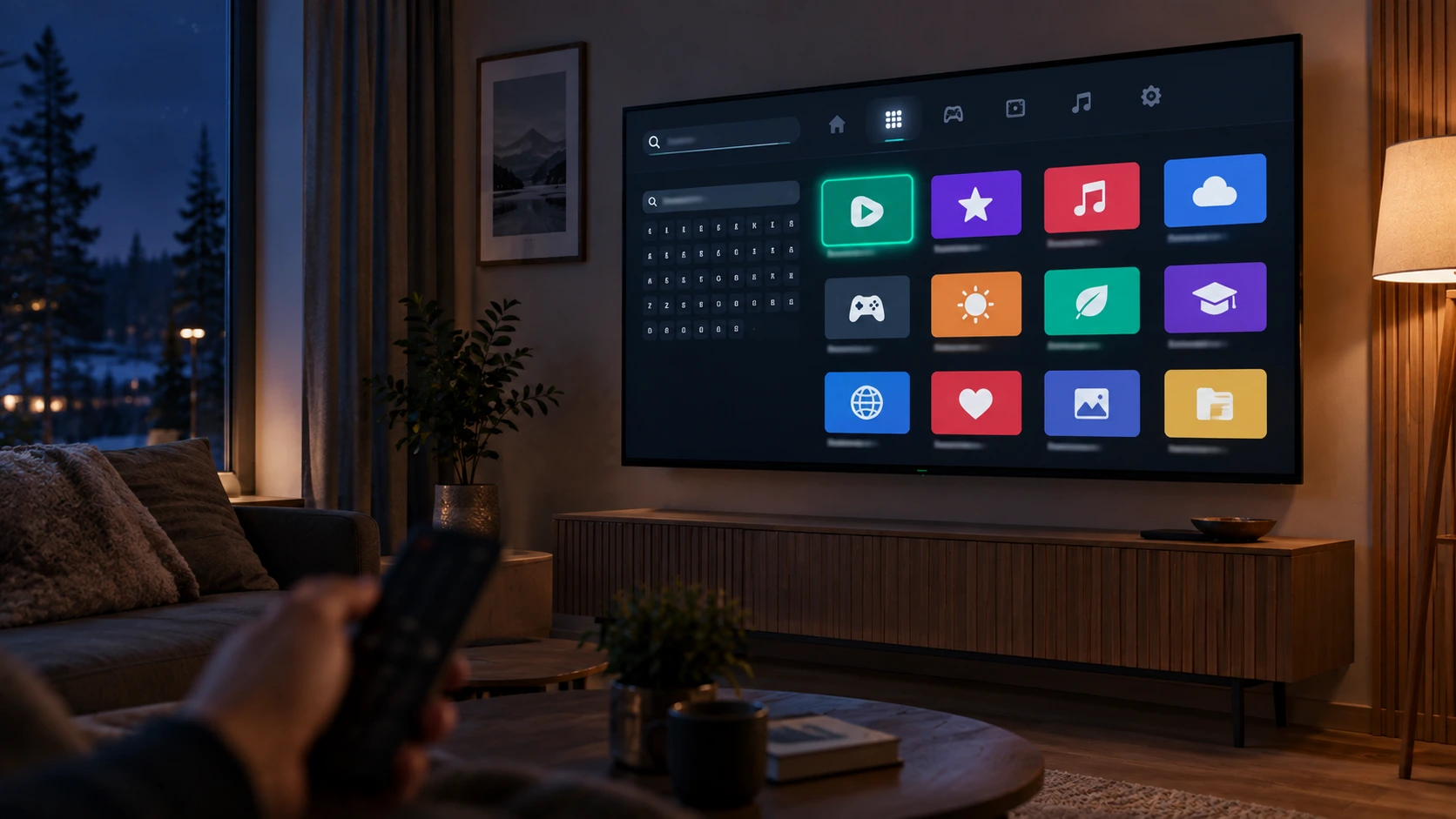
The check takes two minutes and can save the whole hardware purchase. Do it before opening any online shop.
1. Open the television's own app store. Apps on Samsung, LG Content Store on LG, Google Play on Android TV and Google TV.
2. Search for a player by name. Use the name your provider gave you. If there isn't one, search more generally for IPTV.
3. If it is there, you are done. Install it, enter the credentials once, and the channel list and programme guide load by themselves.
4. If the search is empty, check two things before concluding. Is the television online — an app store looks empty when it is not. And are system updates installed: an old version can hide part of the catalogue.
One note about Samsung and LG sets: the selection varies by model year more than by manufacturer. Two televisions of the same brand from different years can offer different apps, so have the model number to hand if you ask your provider.
If the app will not install
A few situations recur, and they have different causes.
The app appears in the store but will not install. Usually the storage is full. Remove unused apps and try again; a television's internal storage is typically small.
The app installs but crashes on launch. Check system updates first. If the set is several versions behind, the app may be built for a newer platform.
The app runs but the channel list stays empty. That is not a hardware problem but a credentials problem: the address or login is wrong, or the server is not responding. Try the same subscription on a phone — if it works there, the fault is in what was entered, not in the television.
If no player can be found at all, it does not mean the service will not work — it means there is no suitable app for that television. Then the options are a phone, a tablet, or an inexpensive stick.
What the television gives you free: Samsung TV Plus and LG Channels
This part often goes unnoticed, even though it is free and already built into the set.
Both Samsung and LG run their own ad-supported channel service inside the television interface. Samsung TV Plus has been available in Finland since 2021, and LG's equivalent is LG Channels. Neither requires a subscription, registration, a card or extra hardware.
The selection is still growing. According to Sports Video Group on 30 July 2026, Australia's ABC Commercial brought four new channels to LG Channels across ten countries, Finland among them: ABC Entertains, ABC Everyday, ABC Factual and ABC Kids.
It is worth knowing what FAST services are and are not. They are linear channels: a programme is on when it is on, and you cannot browse a catalogue the way you would on a streaming service. The content leans on library material, documentaries, news and children's programming. The newest series and domestic sport are not there.
For a household watching without a box, they are also the one layer that costs nothing at all. So they do not replace a paid subscription — but they are the right place to start, because they cost nothing and require nothing. Plenty of households find they use them more than expected. The broader shift toward ad-funded viewing is covered with figures in our IPTV price comparison.
What you give up by going without a box
In fairness, going without hardware has three real limits.
The app selection is narrower. Android-based devices have the widest choice because there are more apps. Samsung and LG stores have fewer, and if your preferred player is not there, it cannot be installed.
The television cannot be upgraded separately. When the platform slows or update support ends, the whole viewing experience is tied to that set. A stick can be replaced for a hundred euros; a television costs many times that.
The interface ages before the panel. This is the most common reason an otherwise good television starts to feel slow. The screen is fine for years after the menu has become sluggish.
None of this is a reason not to try without a box first, on the set you already own. They are reasons to recognise when the situation changes — and the sign is an app that no longer updates, or a menu that stutters.
Phone, tablet and computer — the third route
The television's app store is not the only way to watch without a box, and it is not always the fastest.
The same credential-based subscription runs on a phone, a tablet and a computer. That is the fastest way to test a service before deciding anything: the app installs in a minute, credentials go in once, and you see the quality immediately on your own connection.
The phone route has an advantage that is easy to miss: it separates the service from the hardware. If viewing works on the phone but not on the television, the fault is not the subscription but the television's app or the network. That single test usually saves the conversation where someone changes provider for no reason.
You can also get the picture onto the big screen without hardware if the television supports screen sharing. That works for occasional viewing, but it is a poor permanent arrangement: mirroring drains the phone, drops on an incoming call, and is less stable than an app running natively on the set.
So the sensible order for anyone trying IPTV without a box is this. Test on a phone. If the service works, check the television's app store. Only if neither resolves it should you consider hardware.
Common problems without a box — and what causes them
When viewing runs on the television's own platform, the failure modes differ from those on separate hardware. Three recur above all.
The picture stutters in the evening but not during the day. This is a network problem, not a television problem. Peak hours load both home Wi-Fi and the operator's network. An Ethernet cable to the television usually fixes it immediately, and most televisions have a port even though the cheapest sticks do not.
The interface slows over the years. A television does not slow at random: apps grow and the platform ages. It is a gradual process, and it is the first sign that a separate stick is becoming justified.
The programme guide loads slowly or incompletely. An EPG is a large file and a television's memory is limited. If the guide is persistently incomplete, the cause is usually device memory rather than the service.
What these share is that none of them is fixed by changing provider. The first two are fixed by the network or the hardware, the third by hardware. Worth knowing before concluding the subscription is at fault.
When a box is still worth buying
Going without a box carries you a long way, but not indefinitely. Four situations where separate hardware is the right answer.
The television has no smart features at all. An old panel is often still good; a cheap stick makes it usable for less than one month of most channel packages.
No suitable player exists in the television's store. This is the single most common reason.
The interface has become painfully slow. Typical of sets more than five years old.
You want the same interface in several rooms. Two identical sticks are more consistent than two televisions of different ages.
If you do go for hardware, the buying criteria and consumer rights are covered in our article on buying a box, and player options by device in their own article. Supported hardware is listed on our devices page.
What Nordic IPTV is, and what we don't claim
For clarity: Nordic IPTV is a credential-based IPTV subscription for the Finnish market, sold over WhatsApp.
We offer 18,000+ live channels, 40,000+ movies and 12,000+ series, 4K and FHD where available, EPG and catch-up, activation in about a minute, round-the-clock WhatsApp support and a 7-day money-back guarantee. The plans are €15 / 1 month, €35 / 3 months, €45 / 6 months and €65 / 12 months, with 2–5 simultaneous streams depending on the plan.
What we do not claim: we sell no hardware and take no commission from any television brand, so a hardware recommendation is not a commercial question for us. We do not claim any particular player stays available for any particular television model — app stores change. And if no suitable app exists for your set, we will say so rather than selling you a subscription first.
Unclear cases are worth asking about before ordering. The frequently asked questions cover most of them.
Summary
IPTV without a box works on most televisions under about five years old. There are three requirements: the television's own app platform, a compatible player in its store, and a stable connection. Picture quality does not suffer, and no extra hardware is needed.
August 2026 added something about durability. LG began distributing webOS 26 to older models roughly four months after the new sets, and the update windows differ clearly: Samsung promises seven years of Tizen updates from its 2024 models, LG four annual upgrades. That window determines how long a television remains viable as a viewing platform.
The practical conclusion has three parts. Check the app store before buying anything. Go through the television's free FAST channels, because they are already included. And buy a stick only when one of the four reasons applies — not as a precaution.
To test the service on your own television before deciding, start with a free trial. The wider picture of IPTV in Finland is in the IPTV Finland pillar guide.