IPTV Box 2026: Which Operating System Is Inside Yours
Two identical-looking IPTV boxes can now behave differently. Vega OS changed what a Fire TV Stick can install — here is how to check your own device.
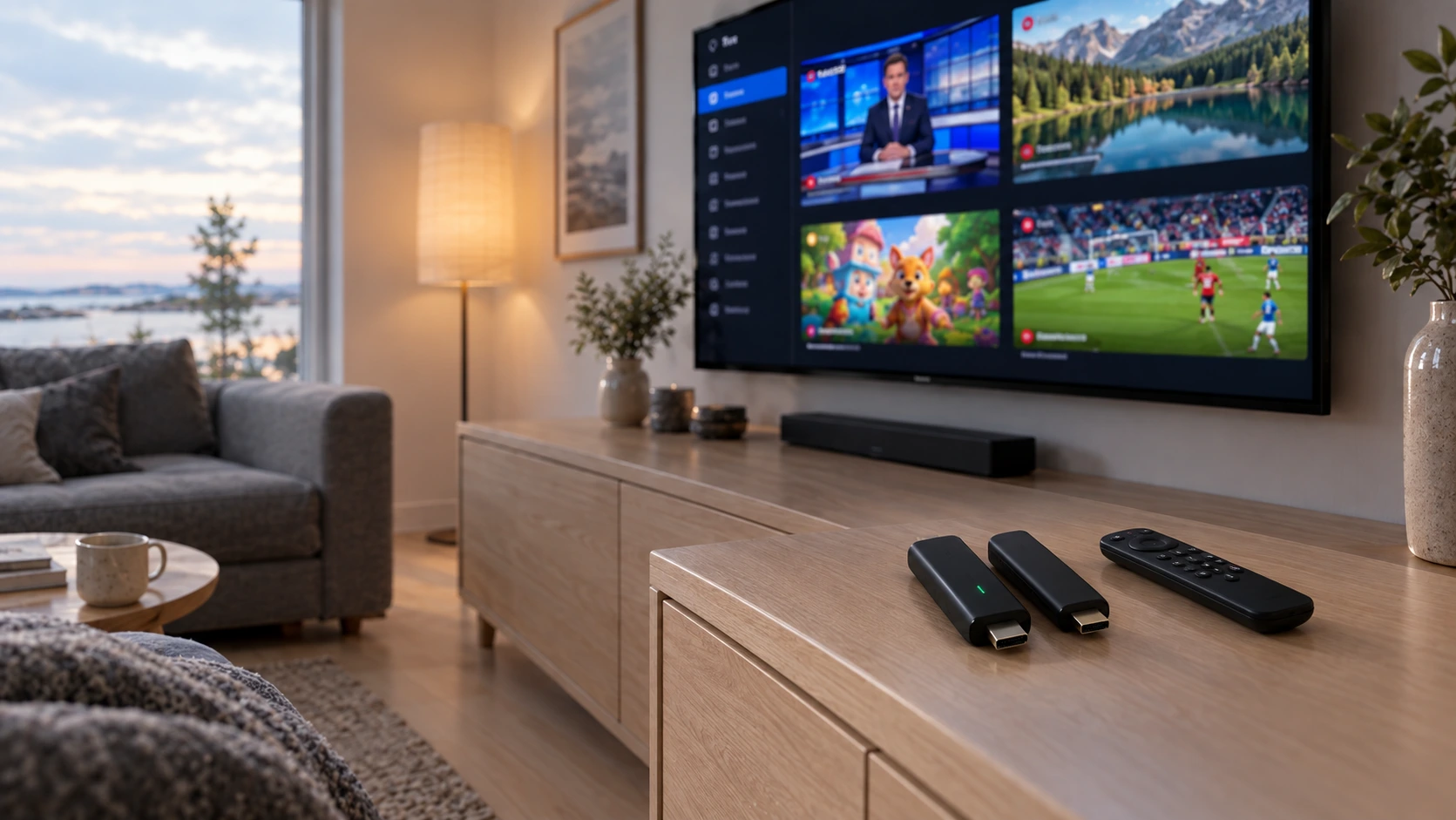
An IPTV box is the kind of device most people buy once and never think about again. It is a small streaming stick or box behind the television, and its job is to run an app — not to supply content, and not to improve picture quality.
In summer 2026 something changed that is visible neither on the shelf nor in the price. Two near-identical IPTV boxes sold under the same name can now run different operating systems — and only one of them can install the players that IPTV guides have recommended for years. This article covers what actually runs inside an IPTV box, what changed, and how to check your own IPTV box. Information checked 19 Sep 2026.
What an IPTV box means — and what changed
The term is imprecise, so it is worth unpacking first.
In a shop the phrase IPTV box covers three things: a streaming stick pushed into an HDMI port, a slightly larger box with its own power supply and often an Ethernet port, and an operator's own set-top box that arrives with a TV package and is not freely usable.
From a viewer's point of view, though, only two things about an IPTV box matter. The first is enough processing power to decode the picture without stuttering. The second is the operating system, because it decides which apps exist for the device at all.
Who does this matter to? Three groups in practice: people buying a new streaming stick, people who have just bought one and cannot understand why the setup guide does not work, and people talking a relative through it over the phone.
The second one is what changed in 2026. Until recently almost every affordable IPTV box was Android-based, so the app selection was effectively the same whichever you bought. That assumption no longer holds. If you have yet to buy hardware, buying an IPTV box and your consumer rights is covered separately — this article is about what runs inside one.
The three operating-system families
Almost every IPTV box sold in Finland belongs to one of these.
| Family | Example devices | App selection | Worth knowing |
|---|---|---|---|
| Android TV / Google TV | Google TV Streamer, Nvidia Shield, most unbranded boxes, many televisions | Widest; Google Play | Varies with the device's certification |
| Fire OS (Android-based) | Fire TV Stick 4K Plus, 4K Max, Fire TV Cube | Amazon's own store | Android-based platform |
| Vega OS (Linux-based) | Fire TV Stick HD (2026), Fire TV Stick 4K Select (2025) | Amazon's store, narrower | Android apps do not run |
| The television's own platform | Samsung Tizen, LG webOS | Manufacturer's store, varies by model year | No separate device at all |
The difference between the families is not processing power but who decides the app selection.
Android TV and Google TV is the widest family, with apps from Google Play. Certification is the detail that matters: a manufacturer has to meet Google’s requirements to ship the official Play store and Play Protect. An uncertified IPTV box may still run Android, but without the same selection or the same security checks.
Fire OS is Amazon’s own Android-based variant. Apps come from Amazon’s store, but because the base is Android, the same app behaves much as it does on an Android TV device.
Vega OS is not Android at all, and that is where this article’s central difference comes from.
The television’s own platform — Samsung Tizen and LG webOS — is its own world, where the selection varies more by model year than by manufacturer.
The fourth row is there for a reason: often the best IPTV box is the one you do not buy, because a television less than about five years old already has its own app platform.
That route is worth trying first, because it is free. What decides it is the television’s update window: Samsung promises seven years of Tizen updates from its 2024 models and LG four annual upgrades, and in August 2026 webOS 26 began reaching older LG sets too. When a television’s own platform is enough and when it is not is covered in IPTV without a box.
June 2026: Vega OS changed what a device can install
This is the news at the centre of the article.
Amazon is moving its Fire TV devices off the Android-based Fire OS and onto a new operating system, Vega OS, built on Linux components. According to Amazon's own developer pages, apps for Vega are written with React Native and web technologies, and Android or Fire OS apps will not run on it without being rebuilt from scratch.
To a developer this is a technical migration. To a viewer it means one thing: an app that has not been rebuilt for Vega is not available on the device at all.
According to the list AFTVnews compiled on 11 June 2026, the split currently runs like this:
| Operating system | Devices |
|---|---|
| Vega OS | Fire TV Stick HD, 2nd generation (2026) · Fire TV Stick 4K Select (2025) |
| Fire OS | Fire TV Stick HD, 1st generation (2024) · Fire TV Stick 4K Plus · Fire TV Stick 4K Max · Fire TV Cube · televisions with Fire TV built in |
The same source notes that Vega devices support neither sideloading nor the Downloader app, and that several familiar features are missing. The list grows as new models appear — Amazon has not said the migration stops with these.
What a Vega device still does
In fairness, it is worth saying what a Vega streaming stick does perfectly normally. It plays video, it starts quickly, and the large streaming services in Amazon’s store work on it. The platform is deliberately light and the interface deliberately familiar.
The limitation is about the app selection, not performance. If you mostly watch the big streaming services and run your IPTV subscription through the television’s own app, a Vega stick can be an entirely good device for exactly that. The problem appears only when you assume you can install the same player you had on an older IPTV box.
Two identical-looking sticks, different operating systems
Here is the part that makes this awkward for a buyer.
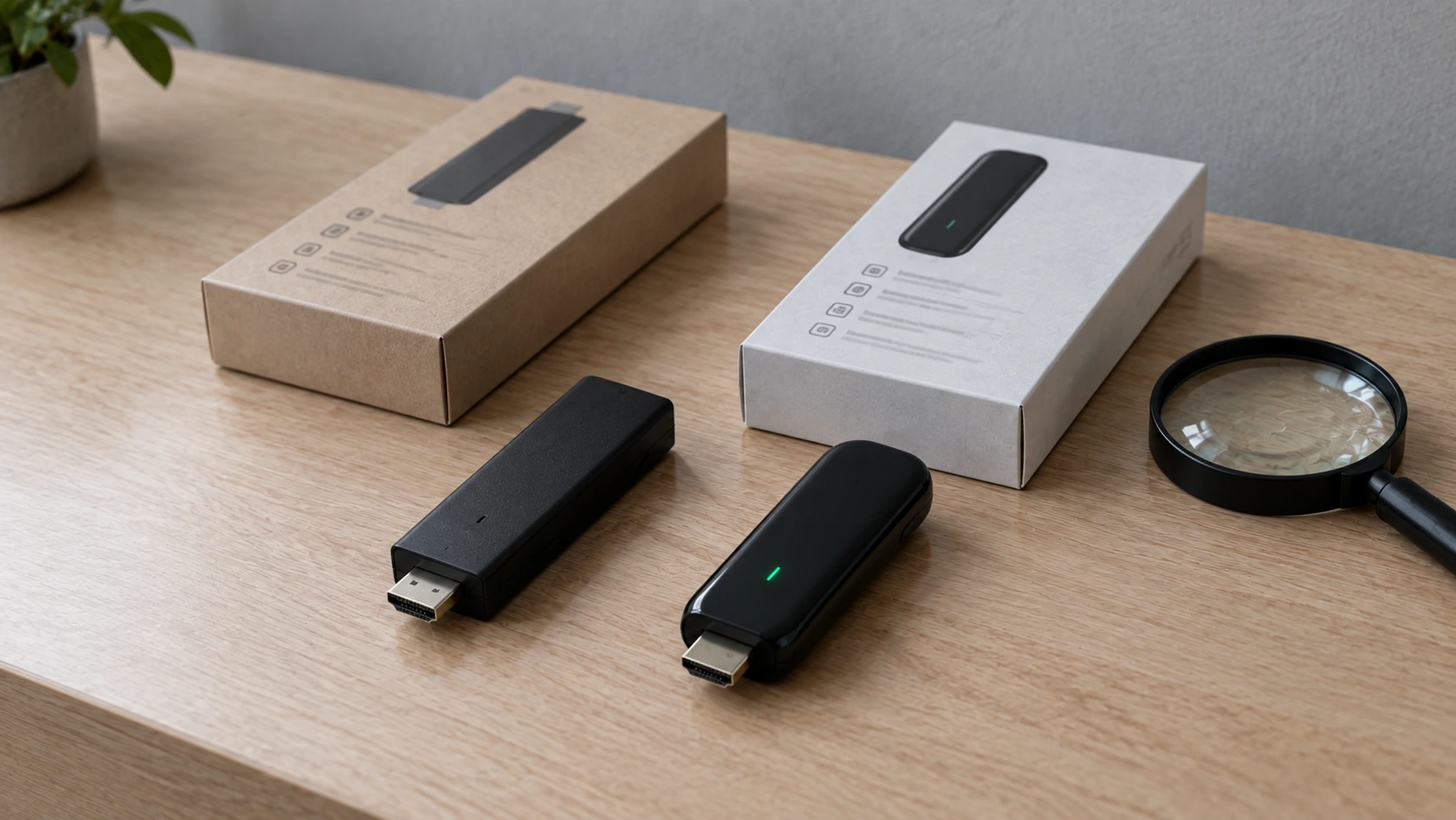
Two devices are on sale under the same name, Fire TV Stick HD. The first generation from 2024 runs Fire OS. The second generation from 2026 runs Vega OS. Same name, same price bracket, similar packaging.
According to AFTVnews the differences show up in three details:
| Fire TV Stick HD (2024, Fire OS) | Fire TV Stick HD (2026, Vega OS) | |
|---|---|---|
| Wi-Fi | Wi-Fi 5 | Wi-Fi 6 |
| Corners of the stick | squared | rounded |
| Text on the stick | none printed | "Fire TV" printed |
The Wi-Fi marking is the easiest, since it is printed on the box. If you are buying second-hand or received one as a gift, the corners and the printed text tell you the same thing without packaging.
None of this makes the Vega device bad. It means two devices sharing a name differ in a way you cannot see in the price or the product title — so hardware choices are worth making with the model generation in hand.
What Vega means for IPTV apps
The practical consequence is narrow but clear.
The most widely used IPTV players — IPTV Smarters Pro, TiviMate, XCIPTV and the like — are Android apps. They run on Android TV and Fire OS devices because both are Android-based. On a Vega device an app is available only if its developer has published a separate Vega build to Amazon's store.
Three things follow that are worth knowing in advance.
Installation guides may be out of date. A large share of the setup instructions online were written for Fire OS devices. They do not apply to Vega even when the device name matches. The same goes for ranking lists: how to read best IPTV lists is its own subject, but outdated hardware advice is one of the clearest signs a list has not been refreshed.
An app's authenticity is a separate question from its availability. Modified builds of well-known players circulate widely, and identifying the genuine app is worth doing whatever operating system your device runs.
A subscription is not tied to hardware. With a credentials-based service the login works in any compatible player. If one device will not take it, the same credentials work on a television, a phone or a computer at no extra cost. Player options by device are covered separately.
What the operating system does not decide
Since this article is about operating systems, it is only fair to say what they do not decide. Several expectations people attach to an IPTV box land in the wrong place.
Changing device does not improve picture quality. Resolution comes from the source and the screen. A new IPTV box does not turn a 1080p broadcast into a 4K one, and a more expensive stick does not improve a picture whose source is unchanged.
The channel line-up does not depend on hardware. It comes from the subscription, not the stick. The same subscription shows the same line-up on an Android IPTV box, a television and a phone.
Stuttering is rarely the device. By far the most common cause is home Wi-Fi, the second most common is peak time. Replacing an IPTV box fixes neither; an Ethernet cable usually fixes the first immediately.
The operating system says nothing about age. Two Android TV devices can sit on different system versions and different update states under the same product name.
Available today is not available tomorrow. App stores change, as spring 2026 showed when dozens of IPTV players left the stores at once. Hardware choice offers no protection, because that decision is made on the store side.
So the operating system decides one thing: which apps exist for the device. That matters — but it is also the only thing it decides.
How to check which operating system your IPTV box runs
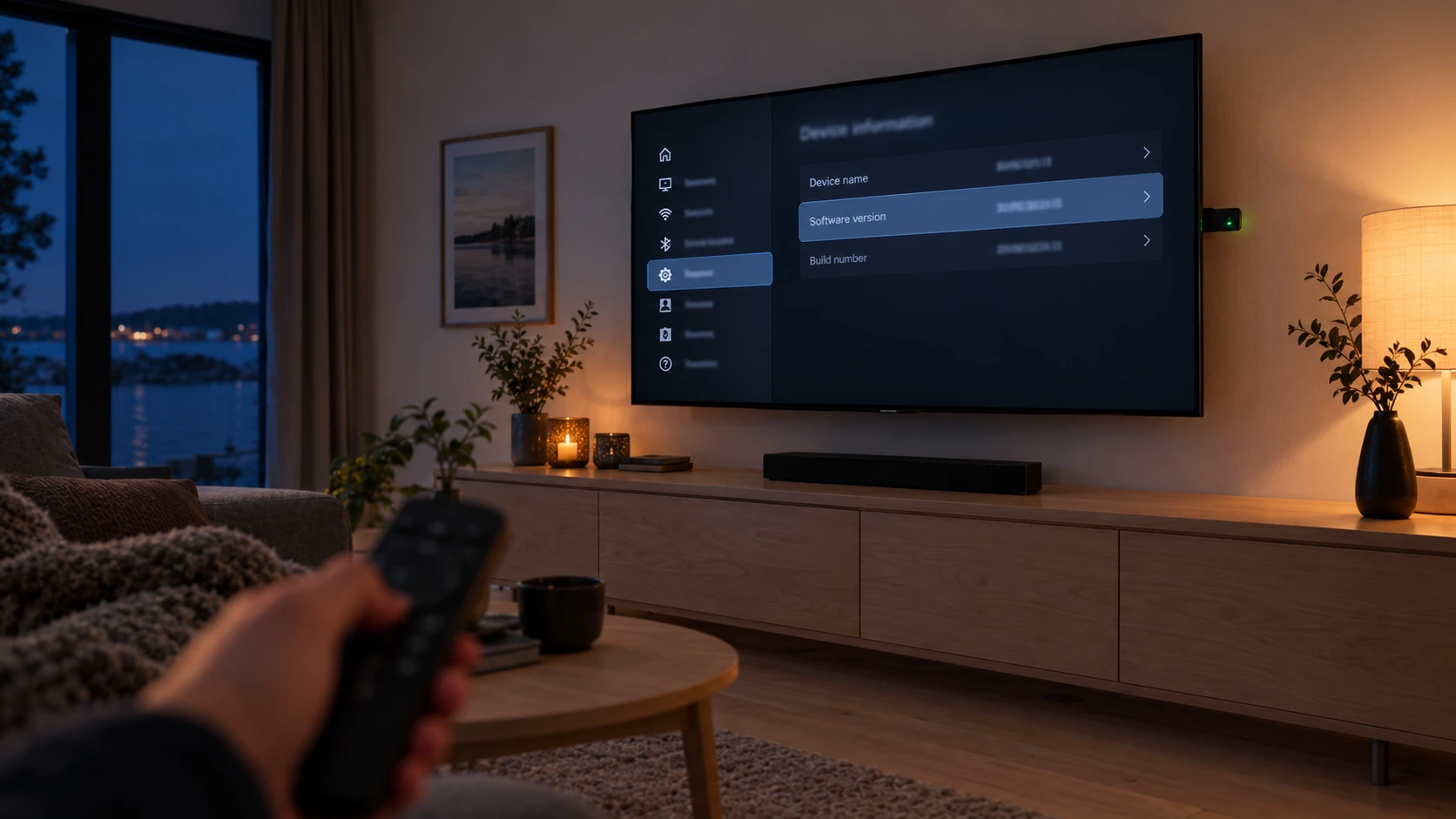
Checking which operating system your IPTV box runs takes a couple of minutes, and it is worth doing before installing anything or buying a replacement.
On a Fire TV device, open Settings → My Fire TV → About. The device name and software version are there. If it is a Fire TV Stick HD, compare the generation and year of purchase against the table above; the Wi-Fi details sit in the same menu under network settings.
On an Android TV or Google TV device, open Settings → System → About. That shows the Android version and often whether the device is Play Protect certified. The certification can also be checked in the Google Play store settings.
On a television, simply open its own app store and search for a player by name. If one is there, no separate device is needed at all.
What if the device no longer gets updates
One by-product of the check is worth noticing. If the device information shows a software version that is years old, the IPTV box is probably at the end of its support window.
That does not mean it stops working. It means two other things: security updates end, and new versions in the app store gradually start requiring a newer system version than the device has. In practice the apps stop updating well before the hardware stops starting up.
That is the moment when replacing it has a real justification — not the existence of a newer model. And if a replacement is coming, check the operating system before buying, because that is precisely what the product name will not tell you.
If it is still unclear which player suits your device, ask before buying anything new. The answer does not depend on what you are considering, because we do not sell hardware.
Cheap unbranded boxes: what can be in the firmware
Alongside the operating system there is a second question that applies specifically to the cheapest devices.
According to a Kaspersky report published on 20 May 2026, some cheap unbranded Android-based TV devices carry malware written directly into the firmware during manufacturing or distribution — not installed by the user. The report names device models including SuperBox, T95, X96Q and MX10.
What do they do? According to the report, such devices have been used as proxies for third parties, to scan the home network, to redirect DNS traffic and to take part in denial-of-service attacks. On scale: the campaign known as BADBOX 2.0 has, by Kaspersky's account, affected more than ten million Android devices worldwide.
This is a hardware question rather than an IPTV one, but it lands on the same shelf, because the cheapest IPTV boxes are often sold for exactly this use. Three practical rules follow:
- Buy a Play Protect certified device from a known retailer. Certification is not a guarantee of everything, but it separates a supervised device from an unsupervised one.
- Do not switch off the device's own security features to make an installation easier.
- If a device already looks suspicious, isolate it from the rest of your network or return it. That is the report's own advice.
In Finland, Traficom supervises communications networks and services, and TTVK provides copyright information. What actually decides legality in a service's content is covered in the article on IPTV legality — this section is about device security, not content.
If you already own a Vega device — three options
You do not need to throw the streaming stick away. There are three options, best taken in order.
First: use a player from the device's own store. Check whether Amazon's store carries a compatible player. If it does, nothing else is needed — the credentials go in the same way.
Second: use the television's own app. If the set is less than about five years old, its own platform is often a better answer than any separate device. The stick can be repurposed.
Third: use another device you already own. A phone, tablet or computer works for testing immediately, and many homes have an older Android-based IPTV box in a drawer. Buying a new streaming stick belongs last, because it improves neither picture quality nor stability.
The common thread: the subscription is not the problem in any of these. The credentials are the same, and they work on several devices at once depending on the plan. Supported devices are listed on their own page.
What this means for buying an IPTV box from now on
One question is worth adding to the list if a new IPTV box is in your future: which operating system does it run.
It never used to need asking, because the answer was effectively always Android. Now it can be Android TV, Fire OS, Vega OS or the television's own platform, and those have different app selections. The price does not tell you, and the product name does not always tell you either.
The other buying criteria — support period, Ethernet port, consumer rights, and whether a device is needed at all — are covered in the article on buying hardware and are not repeated here. This article adds one line to that same list.
One boundary is worth drawing before you buy, because it gets muddled in shops routinely. Every operating system discussed in this article belongs to a streaming device. A terrestrial digiboksi is a different animal entirely: it has a tuner but no app platform at all, so no player installs on it under any operating system. If you are unsure which one is under your television, the giveaway is the aerial socket — and the distinction is set out in our comparison of the digiboksi and the IPTV device.
A device's power is worth judging from the other direction too. The commonest reason people replace a box is a stuttering picture — but the device is only one of four possible causes, and usually not the right one. Before buying new hardware, rule out the home network and the broadband line: the signature of a genuine device bottleneck is that stuttering is constant regardless of the time of day, and that HD works where 4K does not. The distinction is worked through in our article on IPTV buffering, and it often saves the purchase entirely.
If you are weighing up a subscription, the plan prices are public and none carries a fixed term, so you can test on your current device before deciding on hardware at all.
One more thing the operating system decides
The operating system also governs what an installed player may do on your home network, and that became stricter in October 2026.
Android TV boxes and streaming sticks are Android devices, so players installed on them follow Play's rules — including the new restriction on local network access. A television's own built-in app store is a separate platform and is not affected. That is one of the few places where a box is in a worse position than a television app, and it is worth knowing before buying either.
What the change breaks is narrow — casting and playlists held on your own network, not viewing itself. The detail is in IPTV Pro: what "Pro" actually means.
What Nordic IPTV is, and what we don't claim
For clarity: Nordic IPTV is a credentials-based IPTV subscription for the Finnish market, sold over WhatsApp.
We offer 18,000+ live channels, 40,000+ movies and 12,000+ series, 4K and FHD where available, EPG and catch-up, activation in about a minute, round-the-clock WhatsApp support and a 7-day money-back guarantee. Plans are €15 / 1 month, €35 / 3 months, €45 / 6 months and €70 / 12 months, with 2–5 simultaneous streams depending on the plan.
What we do not claim: we do not sell hardware and take no commission from any brand, so a device recommendation is not a commercial question for us. We do not claim any particular player will stay available for any particular device — app stores change, as spring 2026 showed. And we do not advise working around a device's own restrictions or security features. If no suitable player exists for your device, we will say so plainly.
Unclear cases are worth asking about before subscribing. The frequently asked questions cover most of them.
Summary
An IPTV box is a platform, not content. Its most important property is neither price nor appearance but the operating system, because that decides which apps exist for it.
In summer 2026 that became concrete. Amazon's Vega OS is Linux-based and does not run Android apps without a rebuild, and it ships on the 2026 generation of the Fire TV Stick HD and on the Fire TV Stick 4K Select. The older Fire TV Stick HD from 2024, sold under the same name, still runs Fire OS. The difference shows in the Wi-Fi marking, the shape of the corners and the text printed on the stick — not in the price.
The practical conclusion has three parts. Check your device's operating system before installing or buying anything. Choose a certified device from a known retailer over the cheapest unbranded box. And remember that a credentials-based subscription is not tied to hardware — if one device will not take it, another will.
To test on your current device before deciding, start with a free trial and look at the plans and monthly prices. The wider picture of IPTV in Finland is in the IPTV Finland pillar guide.