IPTV Smarters Player 2026: Which Version Should You Pick?
IPTV Smarters Player, Pro or Lite? How the versions differ — and why the app vanished from the app stores in spring 2026.
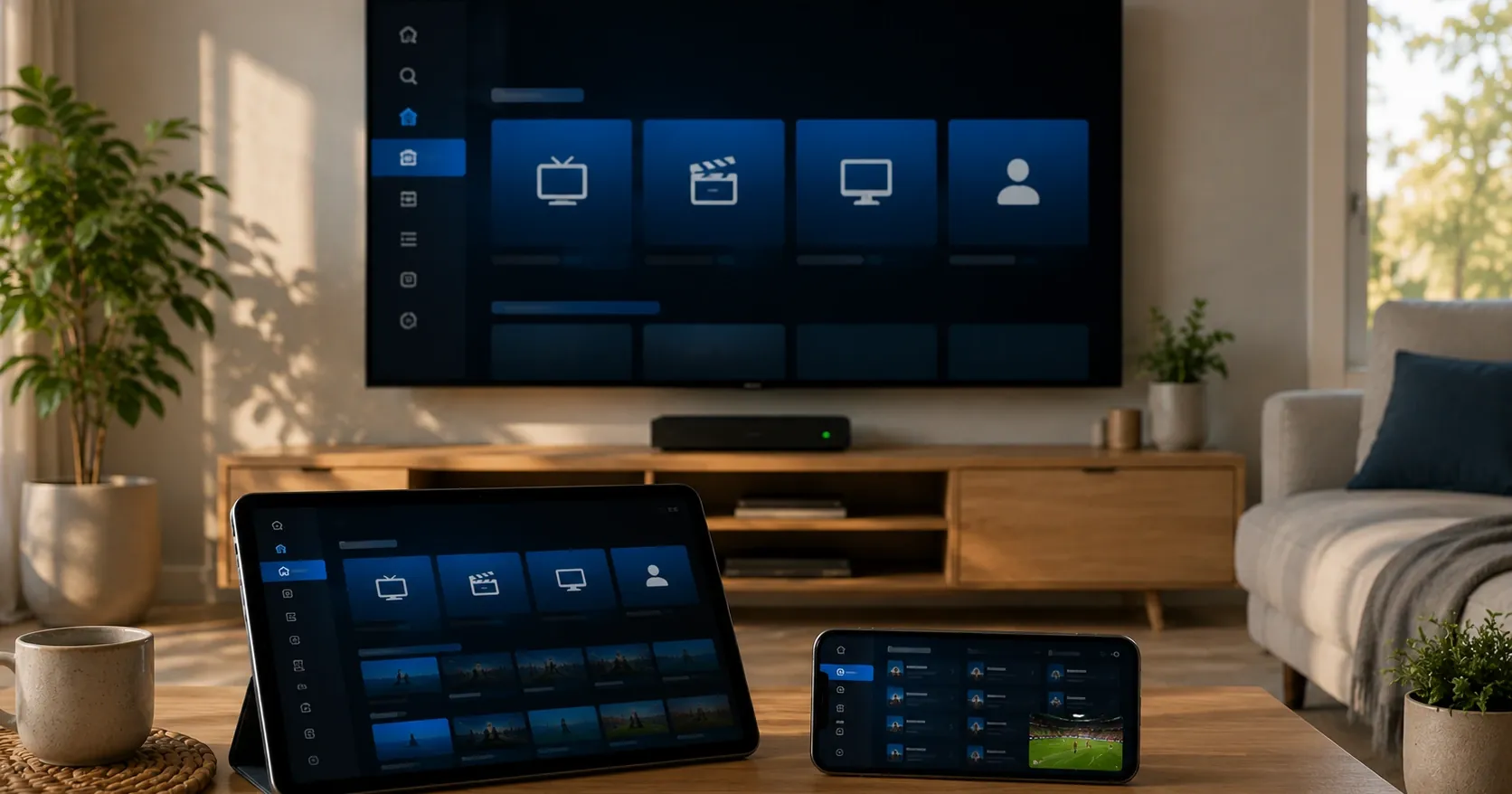
Search for IPTV Smarters Player and you get a confusing result: the same app family includes Player, Player Lite and Pro, plus dozens of near-identical apps under other brand names. Most pages treat these as one thing. They are not one thing, and the difference decides what you should install.
Spring 2026 added a further complication: a large share of these apps vanished from the app stores at once. This article covers what the versions actually do, what happened in spring, and where to get the app now. Telling a genuine build from a counterfeit is a separate subject, covered in its own article. Information checked 4 September 2026.
What IPTV Smarters Player actually is
IPTV Smarters Player is a player application from WHMCS Smarters. Its job is narrow: take your provider's credentials, fetch the channel list and programme guide, and play the streams in a clear interface.
Everything you see comes from the subscription, not the app. There is not a single channel in it until credentials are entered, and if you change provider the entire line-up changes while the app stays identical. That one fact explains most beginner confusion.
Player's interface is deliberately simple. It has four main sections — live channels, movies, series and catch-up — and little else. It is built for someone who wants to enter credentials once and start watching without configuring anything.
Player, Player Lite and Pro compared
This is the practical heart of the article, because it is the distinction most pages skip.
All three come from the same developer and share a foundation. They are still different products with different feature sets.
| Feature | Player / Player Lite | Pro |
|---|---|---|
| Core playback (channels, films, series) | Yes | Yes |
| Catch-up | Yes | Yes |
| M3U and Xtream Codes login | Yes | Yes |
| Multi-screen viewing | No | Yes |
| Picture-in-picture | No | Yes |
| Automatic EPG updates | No | Yes |
| PIN parental controls | Limited | Per channel and category |
| Multiple user profiles | No | Yes |
| Themes and layouts | Limited | Several |
| Price | Free | Paid, varies by platform |
The short reading: Player Lite is the free basic build, Pro is the paid extended one, and Player sits between them. If you watch alone or as a couple and want no profiles or parental controls, the lighter build is almost certainly enough. If there are children, several viewers, or a wish to customise the interface, Pro's extras earn their keep.
One thing does not differ at all: picture quality. That comes from the source and your connection, not the app. The paid version does not improve the image.
What "paid" actually means here
The pricing confuses people regularly, because it varies by platform and is not a monthly fee.
Player Lite is free to install. Pro has carried a small one-off charge on various platforms — not a recurring subscription — either through the app store or as an in-app purchase. The amount is typically a few euros, a fraction of one month's subscription.
Keep two things separate. The app's price and the subscription's price are different things. You pay the developer once for the app and the provider per period for the service. They are unrelated, and buying the app includes no channels whatsoever.
That leads to the most common scam signal in this topic. If someone offers you "IPTV Smarters Pro with 20,000 channels" at any price, they are selling a subscription and using the app's name as a shop sign. The app has no channels — not ever, at any price.
Sites offering a "premium unlocked" build free of charge are a warning sign rather than a bargain. That is exactly where modified builds circulate, and avoiding a few euros is a poor trade for an unknown installer.
Spring 2026: 36 apps left the stores
This is the year's most significant change in this topic, and it explains why many people can no longer find the app in their phone's store.
During the ICC Men's T20 World Cup 2026, Indian media company JioStar had 36 IPTV apps removed from Google Play and Apple's App Store. According to industry reporting those apps had over 26 million downloads worldwide between them. The list included IPTV Smarters Pro, XCIPTV, Televizo, VU IPTV Player and XTV Ultra.
The action rested on a dynamic injunction from the Delhi High Court. The same injunction enabled wider measures: reporting indicates that 141 piracy websites were suspended during the tournament and a further 279 unauthorised streaming sites were blocked at ISP level.
The reasoning matched earlier cases: the apps were widely used to watch unlicensed content. The issue was not that the app is unlawful in itself — it was what it was being used for.
What the removal meant for users
Three things get confused in online discussion and are worth separating.
An already-installed app did not disappear from your device. Removal from a store blocks new installs and updates, not existing installations. The app kept working for everyone who already had it.
Updates stopped through that channel, though. That is the longer-term problem: as the operating system moves on, an un-updated app eventually starts misbehaving.
New installation became harder. This is exactly where users get pushed toward unofficial download sources — and that is where modified builds live. A removal therefore increases counterfeit risk rather than reducing it.
Why these removals keep happening
The pattern has repeated often enough that its logic can be described, which helps in anticipating the next one.
Player apps are an attractive target for rights holders because they are visible and reachable. Servers often sit abroad and operators are anonymous, but app stores are large companies with a clear address and an obligation to comply with court orders. Removal is therefore the fastest available lever, even though it does not address the underlying issue.
The timing is not accidental either. Removals cluster around major sporting events, because that is when unlicensed viewing peaks and the rights holder's loss is largest. Spring 2026 coincided with a cricket tournament; earlier cases coincided with football seasons.
This was not the first time. The app was pulled from Google Play before after a rights holder complaint — TorrentFreak reported a Spanish court ordering its removal at LaLiga's request.
For a viewer the practical instruction is simple: if you rely on a player app, do not assume it will stay available in your store. Know in advance which alternative works with the same credentials on your device.
Where to get the app now
Availability varies by platform and moment, so there is no universal answer. The order of operations is always the same.
1. Check your device's own store first. The situation changes in both directions, and apps return to stores as often as they leave them.
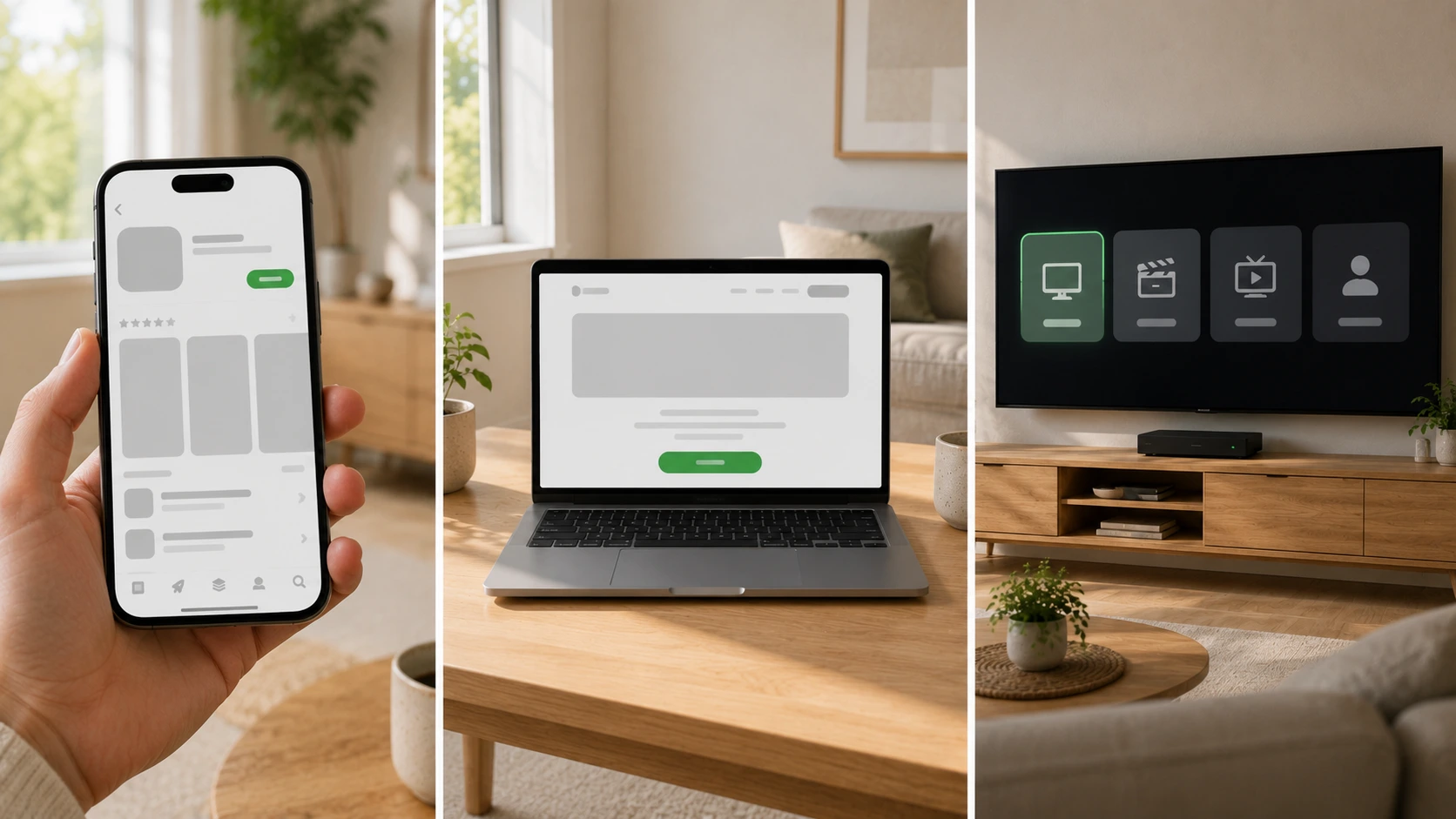
2. Use the developer's own site. The Windows version was published to the Microsoft Store, and an installer has been available from the developer. This is the second-best source after an official store.
3. Consider an alternative app. This is often the best answer rather than the worst. Any app accepting Xtream Codes works with the same subscription, so choice is plentiful.
4. Do not install from a forum or chat link. This is the one rule not worth breaking. If an installer arrived by email, forum post or unknown site, assume it is modified until proven otherwise.
Setting Player up for the first time
Setup takes a few minutes and the order matters. This holds regardless of device.
1. Get your credentials first. The app is empty without them, and installing it in advance achieves nothing. A provider typically sends three things: username, password and server address.
2. Install from an official source. Your device's store first, the developer's site second. If neither is available, pick an alternative app rather than downloading from an unknown source.
3. Choose Xtream Codes as the login method. The app asks on first launch. Enter the server address exactly as given, including the http or https part and any port number at the end.
4. Let the list load fully. The first load takes longer than later ones because the app fetches the whole channel list and guide at once. A few minutes is normal and should not be interrupted.
5. Test one item from each section. A live channel, a film and a series. If all three work, the install is sound. If only one section stutters, the cause is more likely the source than the installation.
6. Set the time zone before judging the guide. This is the most common reason a guide shows the wrong programme. In Finland it must be Helsinki, not the device default.
If your credentials are rejected
First logins fail surprisingly often, and the cause is almost always one of four things — not the subscription.
The most common is a typo in the server address. Copy it rather than typing it, because a single wrong character blocks the connection with no explanatory error.
Second is a missing or extra port number. If the address ends with a colon and digits, those belong exactly as given.
Third is the wrong login method. Xtream Codes credentials cannot go in the M3U field or vice versa, even though the fields look alike.
Fourth is capitalisation. Credentials are case-sensitive, and a phone's auto-capitalisation regularly breaks the first character.
If none of these apply, test the same credentials on another device before contacting anyone. That separates a device problem from a credentials problem in a minute.
Which version should you pick
The choice comes down to four questions, best taken in order.
How many viewers are in the household? One or two manage comfortably on the lighter build. More viewers with different tastes benefit from Pro's profiles, since each gets their own favourites and history.
Are there children? If so, Pro's per-channel and per-category PIN protection is a genuine reason to pay. Parental controls in the lighter builds are limited.
How much do you want to customise? If you want to change layouts, themes and channel order, Pro provides the tools. If you just want to watch, those are extra menus.
Do you watch on several devices at once? If two or three devices play simultaneously on a regular basis, Pro's multi-screen and profiles make daily life easier. Note that the maximum number of simultaneous streams comes from your subscription, not the app — Pro does not increase it, it just makes managing several streams more convenient.
The practical recommendation for most households: start with the free build. It costs nothing, tells you within a minute whether the subscription works on your device, and if you find a feature missing you can buy Pro later. The reverse order — pay first, test second — is an unnecessary risk.
Xtream Codes or M3U
Both versions accept two login methods, and the choice affects what you get.
Xtream Codes means a username, password and server address. It brings the programme guide, catch-up and on-demand content as separate browsable sections, and it survives your provider changing servers.
An M3U link is a playlist giving a flat channel list and weaker guide support. If the address changes, the link must be replaced by hand.
Use Xtream Codes whenever your provider offers it. This is not a matter of taste but a practical difference, covered in more depth in the Smarters Pro article.
Common problems and what actually causes them
Most problems blamed on the app are not the app. Knowing the order saves a pointless switch.
The picture stutters. By far the most common cause is home Wi-Fi, not the app or the provider. An Ethernet cable or moving to the 5 GHz band usually fixes it immediately. Switching apps does not fix a Wi-Fi problem — it reproduces it in a new interface.
The guide is empty or hours out. Check the device time zone before blaming the guide. A wrong zone shifts the entire schedule and is the fastest fix on this list.
Channels do not load at all. Test the same credentials on another device. If they work, the fault is the device or network. If they do not, it is the credentials or the service.
The app crashes on launch. On older hardware the usual cause is memory. Close background apps and restart the device before anything else.
When the fault really is the service
The list above covers most cases, but sometimes the problem genuinely is the source. Three signs separate it from a home-network issue.
The same channel stutters on every device at once. If a phone on mobile data and a television on Ethernet behave identically on one channel, your home network is not the cause. This is the clearest single test available and takes two minutes.
Only one channel or group misbehaves while others are fine. If a hundred channels play perfectly and one does not, it is neither the connection nor the device — both would treat all channels alike.
It started at an exact moment with nothing changed at home. If nothing was installed, updated or moved, and playback changed mid-evening anyway, the change happened elsewhere.
In those three cases contact your provider rather than adjusting the router. Include the channel name, the time and which devices you tested — those three details usually shorten the investigation to a single exchange.
Collecting those details is quickest if you first separate which of two fault types you have. If the picture stutters, the diagnosis runs from the channel to the device, then Wi-Fi, and only last the broadband line — set out step by step in our article on IPTV buffering. If instead the picture plays fine but the programme guide is empty or an hour out, this is not a network problem at all but a time zone or cache issue, and the fixes are in IPTV EPG not working.
IPTV Smarters Player alternatives by device
The app is a matter of taste and switching is free. Worth knowing, because many people change provider when they should have changed app.
In one case switching does not help. If the device runs Amazon's Vega OS, Android apps cannot be installed on it at all, and no choice of player changes that. It applies to the 2026 Fire TV Stick HD among others, sold under the same name as the older Android-based model — checking which operating system your device runs tells you which one you have.
| Device | Usual choice | Alternative |
|---|---|---|
| Android TV / Google TV | TiviMate | Smarters Player, XCIPTV |
| Amazon Fire TV Stick | TiviMate | Smarters Player, XCIPTV |
| Samsung Tizen | IBO Player | Smart IPTV |
| LG webOS | IBO Player | Smart IPTV |
| iPhone / iPad / Apple TV | Smarters Player Lite | XCIPTV |
| Windows / Mac | Smarters Player | VLC-based players |
Why the device decides the app
These are not preferences but consequences of how the platforms work.
Samsung's Tizen and LG's webOS are closed systems with their own stores. Android apps cannot be installed on them at all, so the Smarters family's Android builds are not an option. That is why these televisions almost always use a different app.
Android TV and Fire TV are both Android-based, so choice is widest. Fire TV uses Amazon's own store, so an app can be available on one and not the other.
Apple devices have the tightest constraints, and App Store availability has fluctuated most. Expect the app to change over time on that side.
Computers offer the most options, since browser and desktop apps are both available.
The conclusion: choose by the device you actually watch on, not by reviews. An older television without smart features is no barrier — an inexpensive Android streaming stick makes it compatible for less than one month's subscription. Supported devices are listed on our devices page.
What switching apps will not fix
This section saves the most wasted effort, because apps get switched for reasons they do not affect.
The channel line-up does not change. It comes from the subscription. If a channel is missing, it is missing in every app on the same credentials.
Picture quality does not improve. Quality comes from the source and is limited by your connection and hardware. No player improves the source, and the paid build is no sharper than the free one.
Simultaneous streams do not increase. That is a subscription property. If two devices play and a third will not start, the cause is your plan.
Peak-time slowdowns do not vanish. Match nights load the source, and that shows identically in every app.
One edge case deserves a mention. Catch-up and the guide can behave differently between apps even with identical content — one may show seven days and another two from the same data. That is a genuine reason to try another app, and the only case where a content-shaped problem can be solved by switching.
So what does switching fix? The interface, the guide's appearance, recording features, remote-control behaviour and startup speed. Those are real differences and good reasons to switch. The rule: if the problem is about content, switching will not help. If it is about using it, switching often helps immediately and costs nothing. The wider question of choosing a service rather than an app is covered in our article on picking the best service.
What Nordic IPTV is — and what we do not claim
Since this is an IPTV service's own site, two things should be kept separate.
We do not develop the Smarters apps and are not affiliated with them. We also do not recommend any single app as the only right one, because the best choice depends on your device.
Nordic IPTV is a credential-based subscription. After ordering you receive credentials that work in any compatible app, including every one named in this article. What the service includes is on its own page: more than 18,000 live channels plus over 40,000 films and 12,000 series, in 4K and FHD where the source provides it, with an EPG and catch-up.
Pricing is public: €15 for one month, €35 for three, €45 for six and €70 for twelve — about €5.83 a month annually. Streams run from two to five depending on the plan, every plan is billed once with no automatic renewal, and each carries a 7-day money-back guarantee.
We do not claim to be the official rights holder for any channel or competition in Finland. What is worth knowing about verifying a provider and about IPTV legality in Finland is collected in our guide to IPTV legality, and who we are is stated openly.
Summary
IPTV Smarters Player and IPTV Smarters Pro are not the same app. Player and Player Lite are lighter and free; Pro is paid and adds multi-screen viewing, picture-in-picture, automatic guide updates, per-channel parental controls and multiple profiles. Picture quality does not differ, because it comes from the source rather than the app.
Spring 2026 complicated things when 36 IPTV apps were removed from Google Play and the App Store under a Delhi High Court injunction. The removal did not delete installed apps, but it cut off updates and pushed new installers toward unofficial sources — increasing counterfeit risk rather than reducing it.
The practical guidance has three parts. Start with the free build and pay only if you find a feature missing. Download only from an official store or the developer. And remember that changing app never means changing subscription — the same credentials work in ten different players.
To compare options with the numbers in front of you, see the plans and monthly prices. To test on your own device first, start a free trial.