IPTV Smarters Pro in 2026: Real App, Clones and New Rules
IPTV Smarters Pro explained: what the app does, how to spot a counterfeit build, and what Google's new Android rules change for viewers.
IPTV Smarters Pro is the app most people in the Nordics end up using the first time they buy an IPTV subscription, and it is also the app most people misunderstand. It is not a TV service. It sells nothing, carries nothing and knows nothing about channels until you type credentials into it. That single fact explains almost every problem newcomers run into with it — and it explains why there are so many counterfeit versions circulating.
Something else is worth knowing this year: the way Android handles apps installed outside the Play Store is changing, and the timetable is now public. This guide covers what the app is, how to tell a genuine build from a repackaged one, what the new rules mean for a household in Finland, and how to get the thing working properly. Information checked 5 August 2026.
What IPTV Smarters Pro actually is
IPTV Smarters Pro is a media player developed by WHMCS Smarters. Its job is narrow: take a set of credentials, fetch a channel list and a programme guide from your provider's server, and play the streams in a tidy interface with live TV, films and series separated into their own sections.
Everything you see inside it comes from the subscription, not from the app. Change provider and the entire line-up changes while the app stays identical. This is why the question "which channels does IPTV Smarters Pro have?" has no answer, and why the honest response to "IPTV Smarters Pro with 20,000 channels for €5" is that somebody is selling you a subscription and using the app's name as a label.
The practical consequence is reassuring. Your app and your service are separate decisions. If you dislike the interface you can change players tomorrow without touching your subscription, and if you change provider you keep the app you already know. A Nordic IPTV subscription works this way by design — you get credentials, and where you use them is your choice.
Why there are so many versions of IPTV Smarters Pro
Search for the app and you will find a confusing spread: IPTV Smarters Pro, IPTV Smarters Player, Smarters Player Lite, and dozens of apps that look identical but carry a provider's brand instead.
Most of that is legitimate. The developer sells white-label builds to IPTV providers, so a company can ship "SomeBrand TV" that is really the same codebase with a different logo and a pre-filled server address. If your provider gave you a branded app, it is very likely a Smarters build underneath, and the instructions in this guide will apply almost unchanged.
The rest is not legitimate. Because the app is widely sideloaded, a repackaged version is easy to distribute and hard for an ordinary user to distinguish. Download sites bundle installers with extra payloads, and security researchers routinely find modified builds requesting permissions the real app has no use for.
The app's own history has made this worse rather than better. It has been pulled from Google Play before after a rightsholder complaint — TorrentFreak reported a Spanish court ordering its removal at LaLiga's request — and its availability on Apple's App Store has come and gone. Every time an app disappears from an official store, users go looking for it elsewhere, and "elsewhere" is exactly where the counterfeits live.
How to tell a genuine build from a clone
You do not need technical skill for this. Four checks catch almost everything.
Check where it came from. The developer's own site or an official store listing is fine. A link in a forum post, a file sent over WhatsApp or Telegram, an APK mirror with ten download buttons, or anything described as "premium unlocked" is not. If somebody had to convince you the file was safe, it probably is not.
Check the publisher name. On a store listing the developer should be the Smarters developer, not an unfamiliar individual. On Android you can open Settings → Apps and see what actually installed the package.
Check what it asks for. A player app needs storage and network access. It has no legitimate reason to want your SMS messages, your contacts, your call log or accessibility permissions. A request for any of those during setup is where you stop.
Check what it promises. The genuine app has no channels. If the download page advertises content, or the app shows a working line-up before you have entered any credentials, it is not the app you were looking for — it is somebody else's service wearing its name.
One more habit worth building: the real app never asks for a payment card to activate. Your provider handles billing, outside the app entirely.
If you already installed something questionable
Do not panic, and do not simply install a second app on top of the first. Uninstall the suspect package from the device's application settings rather than by dragging the icon, because on Android TV the tile can disappear while the package stays installed.
Then look at what else it left behind. Check the device's list of apps for anything you do not recognise, review which apps hold permissions you would not have granted, and if the device supports it, run a system update. If you entered your IPTV credentials into the suspect app, ask your provider to reissue them — a password that has passed through unknown software is not a password you should keep using.
If the same device also handles anything sensitive, treat it as a device to clean rather than an app to remove. A factory reset on a streaming stick takes ten minutes and settles the question completely.
Android's developer verification rules are changing
This is the part that has not reached most IPTV guides yet, and it matters because sideloading is how nearly every IPTV player reaches a Fire TV Stick or an Android box.
Google is introducing verification for developers whose apps are installed outside the Play Store. According to the official Android Developers Blog, the timetable runs like this:
| When | What happens |
|---|---|
| March 2026 | Verification tools go live in the Android Developer Console and Play Console |
| April 2026 | An Android Developer Verifier service appears in system settings |
| June 2026 | Early access to limited-distribution accounts for students and hobbyists |
| August 2026 | Limited-distribution accounts and the "advanced flow" launch globally |
| 30 September 2026 | The requirement takes effect for users in Brazil, Indonesia, Singapore and Thailand |
| 2027 | Global expansion |
Two things are widely misreported about this and both are worth getting straight. First, sideloading is not being abolished. Apps from unregistered developers remain installable through ADB or the advanced flow; the process simply gains friction. Second, this is about developer identity, not about approving what an app does. Google is attaching a verified name to a package, not reviewing the software.
What that means for a household in Finland
Right now, nothing. Finland is not among the four countries covered by the September 2026 date, and the global expansion is scheduled for 2027. Your Fire TV Stick will behave in 2026 exactly as it did in 2025.
From 2027, the picture changes in a way that is genuinely useful. A player app whose developer has registered will install normally. One whose developer has not will require the deliberate advanced flow — extra steps, warnings, and a clear signal that nobody has put a name to this software.
For an ordinary viewer that is a net gain, because the whole counterfeit problem described above depends on anonymous distribution. The people repackaging player apps are precisely the people least willing to attach a verified legal identity to their work. If you are already installing from the developer's site or an official listing, you will likely never notice the change.
The same trend runs wider than apps. Domain ownership records became broadly accessible again in 2026, which makes checking who actually runs a service as practical as identifying who published an app.
The sensible response is not to stockpile APK files. It is to know where your app came from, keep it updated from that same place, and treat 2027 as the year "I found it on a random site" stops being a viable habit. If you are unsure whether your current setup will survive that, send us a message and we will look at it with you.
Installing IPTV Smarters Pro: what works on which device
The app runs almost everywhere, but the route differs by platform, and on some televisions it is not the right choice at all.
One platform deserves a separate mention, because it is a new exception. On Amazon's Vega OS devices — the 2026 Fire TV Stick HD among them — Android apps cannot run at all, so the question is not how to install but whether a build exists for that device. Checking which operating system your box runs is worth doing before hunting for a setup guide.
| Platform | How it installs | Notes |
|---|---|---|
| Android TV / Google TV | Store listing or sideload | The most common setup in Finland; remote-friendly interface |
| Amazon Fire TV Stick | Sideload via Downloader | Works well; this is the route the 2027 rules will eventually touch |
| Android phone / tablet | Store listing or developer site | Useful for testing credentials before touching the TV |
| Windows / macOS | Developer's site | Has historically carried a small one-off fee |
| iPhone / iPad / Apple TV | App Store availability has varied | Alternatives are often simpler on Apple hardware |
| Samsung Tizen / LG webOS | Not natively available | Use IBO Player or a streaming stick instead |
That last row catches people out constantly. A Samsung or LG television is a fine way to watch, but not with this particular app — either use a player built for that platform or add a €30 streaming stick, which is usually the cheaper and less frustrating path. Our device list sets out what runs where.
Xtream Codes or M3U — which login to use
The app accepts three login methods and the choice genuinely matters.
Xtream Codes API asks for a username, a password and a server address. Use this whenever your provider offers it. It gives you the programme guide, catch-up and on-demand libraries as proper browsable sections, and it survives a provider moving servers because the address resolves centrally.
M3U URL takes a single long web address. It works, but you get a flat channel list, weaker guide support, and a link you must replace by hand if it ever changes.
Local playlist file loads an M3U from storage. Useful for testing, impractical for daily viewing since nothing updates automatically.
Setup takes about a minute: open the app, choose the login type, paste the details exactly as your provider sent them — including whether the address starts with http or https, and any port number after the colon — and give it a moment to pull down the list. If you get an authentication error, the cause is almost always a typo, a trailing space copied from an email, or a subscription that has not been activated yet rather than anything wrong with the app.
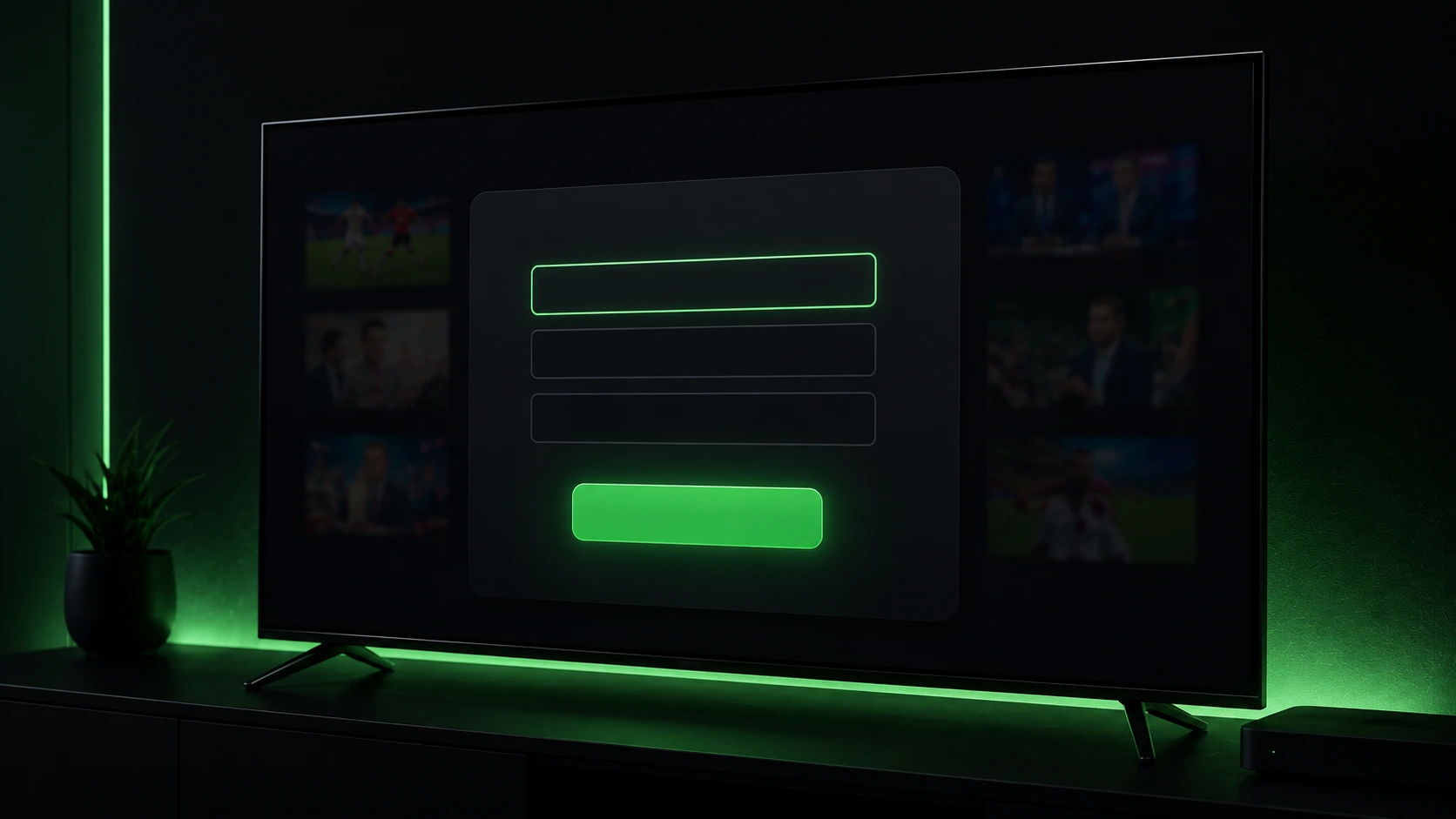
Every Nordic IPTV plan issues Xtream Codes credentials, so the guide and catch-up sections work from the first login rather than needing a second setup step.
How many devices can watch at once
One set of credentials can be installed on as many devices as you like — the television, a phone, a laptop, the summer cottage. What is limited is how many of them can stream at the same moment, and that number comes from your plan rather than from the app.
Our plans allow two simultaneous streams on the one-month plan, rising to five on the annual one. Exceed it and the newest device typically gets an authentication error while the others carry on, which is the single most common reason a login "randomly stops working" in a busy household — someone else is already watching.
It is worth counting honestly before choosing a plan. A family with two televisions, a tablet at bedtime and someone watching football on a phone is a four-stream household, not a two-stream one.
Getting the guide and catch-up working
Two features separate a usable IPTV setup from an irritating one, and both are commonly left half-configured.
The EPG is the on-screen guide. With an Xtream Codes login it usually populates by itself within a few minutes of the first launch. If it stays empty, check the app's EPG settings for a manual refresh, and check that the device clock and time zone are correct — Europe/Helsinki for Finland. A wrong time zone is the single most common reason a guide appears shifted by hours, and people blame the provider for it far more often than they blame the clock.
Catch-up lets you open a programme that has already aired. Where it is available, the app marks those channels with a small archive icon, and you scroll back through the guide to pick a past broadcast. Not every channel carries it, because catch-up depends on the source recording in the first place.
The parental control PIN is worth setting at the same time if children use the television, and it takes about ten seconds from the settings menu.
Favourites, profiles and channel order
A full IPTV line-up is thousands of channels long, and scrolling that on a remote is miserable. Ten minutes spent on favourites is the highest-value setup step nobody does.
Mark the twenty or thirty channels your household genuinely watches and set the app to open on the favourites list. Most builds also let you hide entire categories — if nobody watches channels in languages you do not speak, hiding them makes the guide dramatically faster to navigate.
Where the app supports multiple profiles, giving children their own removes the argument about what appears on the home screen, and it works alongside the parental PIN rather than instead of it.
When playback goes wrong, and what actually causes it
Most complaints attributed to "the app" are not the app.
Stuttering on one channel while others are fine points at the source, not your connection. Report it with the channel name — a provider can only fix what it is told about.
Everything stutters in the evening is nearly always home Wi-Fi rather than the line. Finnish fibre and 5G home broadband comfortably clear the 15 Mbps needed for HD and 25 Mbps for 4K, so the bottleneck is usually the last five metres. An Ethernet cable settles the question in a minute; if it is smooth on cable and rough on Wi-Fi, you have found your answer.
The picture is soft on a 4K television usually means the stream is HD rather than 4K, or the device is set to output at a lower resolution. Check the device's display settings before assuming the source.
It worked yesterday and today it will not log in is most often an expired subscription, a provider server move, or a password with a character that did not survive being copied. Try the credentials in a second app or on a phone: if they fail everywhere, it is the subscription; if they work elsewhere, it is the installation.
After moving house or changing broadband
Nothing needs reinstalling. The credentials are not tied to an address, a router or an operator, so the app that worked in your old flat works in the new one as soon as there is internet.
Two things do change. A new router means new Wi-Fi conditions, so if playback was smooth before and stutters now, test on Ethernet before assuming the service degraded. And a new device — a television that came with the flat, say — needs the app installed from a source you trust rather than whatever is already sitting on the home screen.
Travelling within the Nordics works the same way, which is the practical advantage of a subscription that is not attached to a physical line.
Our FAQ covers the recurring ones, and anything unusual is faster to solve over a message than by reinstalling repeatedly.
When Smarters is the wrong app for you
Recommending it universally would be dishonest. It is a solid default, not the best choice for everyone.
TiviMate is the better app on Android TV and Fire TV if you care about the interface. Its guide is faster, its channel management is far more flexible, and its recording features are ahead. The premium tier costs money, which is the trade.
IBO Player is the practical answer on Samsung Tizen and LG webOS televisions, where Smarters is not natively available. It is plainer, but it runs where the alternative does not.
XCIPTV sits in between — more configurable than Smarters, less polished than TiviMate.
All of them accept Xtream Codes credentials, which is the point worth remembering: the player and the subscription are independent, so trying a different app costs you nothing but ten minutes. Details of what the service includes apply regardless of which one you settle on.
Security habits worth keeping
None of this is dramatic, and all of it is the difference between a clean setup and a compromised one.
Install from one source and update from that same source. Do not install two competing player apps and leave the loser sitting there unused. Review app permissions occasionally — Settings → Apps on Android will show you anything odd. Keep the device itself updated; an Android TV box that stopped receiving security patches three years ago is a bigger risk than any player app.
Be sceptical of anything free that should not be. A "premium unlocked" build of a paid app has been modified by somebody, and you do not know what else they changed. Traficom's National Cyber Security Centre publishes plain-language guidance on device security in Finland and is a better source than a forum thread.
Finally, buy from someone you can reach. A provider who answers a message is worth more than one that is a few euros cheaper and unreachable when a channel breaks — which is roughly who we are trying to be.
The short version
IPTV Smarters Pro is a window, not a service. It carries no channels, sells no subscriptions, and everything you see inside it belongs to the provider whose credentials you entered.
Because it is widely sideloaded and has been removed from official stores before, counterfeit builds are common — so check the source, the publisher, the permissions and the promises before installing anything. Google's developer verification does not affect Finland in 2026, but it arrives with the global expansion in 2027, and it will make anonymous repackaged apps meaningfully harder to distribute. That is a good development for ordinary viewers.
Use Xtream Codes login where you can, fix your device's time zone before blaming the guide, test on Ethernet before blaming the provider, and remember that switching player apps never means switching subscription. If you want to see how the underlying service behaves before committing to anything, compare the plans or ask us directly — and for the wider picture of why Nordic channel line-ups keep moving, the spring 2026 rights shake-up explains what changed and why.
Prices and availability checked 5 August 2026. App store availability and Google's rollout dates can change — verify current details with the developer and the official Android documentation before acting on them.